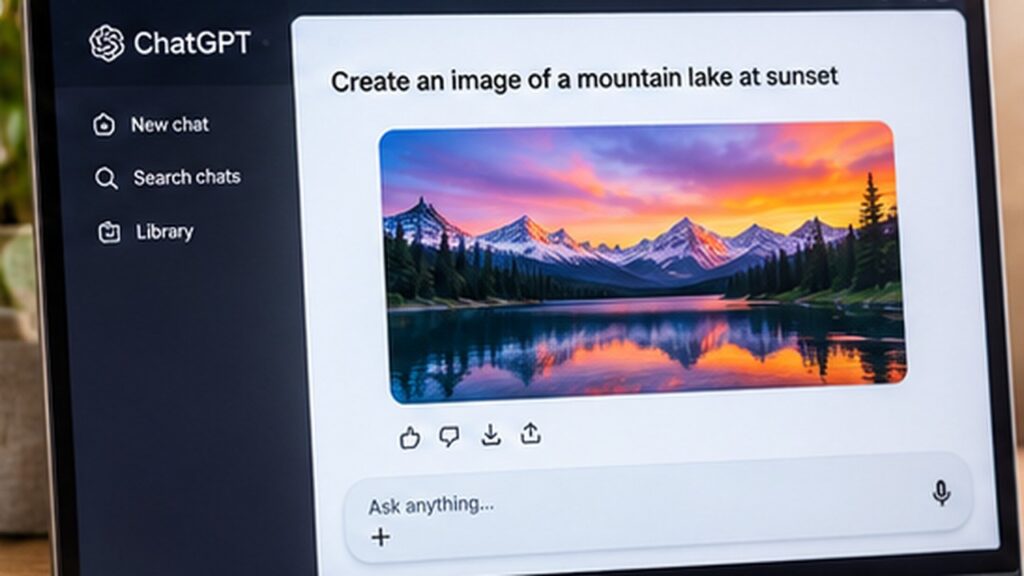
This step-by-step guide explains how to create ai images with chatgpt with illustrated interface examples. Menus may vary by device, software version and account.
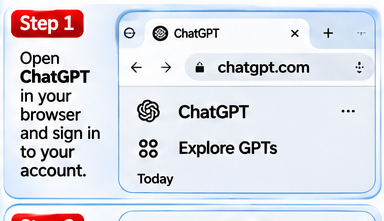
Step 1: Open ChatGPT
Visit chatgpt.com, sign in, and start a chat.
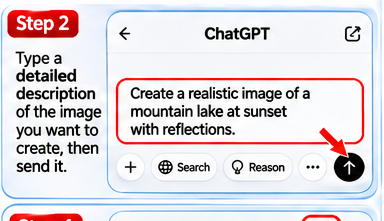
Step 2: Describe your image
Enter a clear prompt describing the subject, scene, style, lighting and aspect ratio you want.
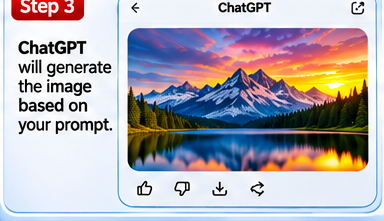
Step 3: Review the result
Wait for the generated image and inspect it. Request changes in a follow-up message if necessary.
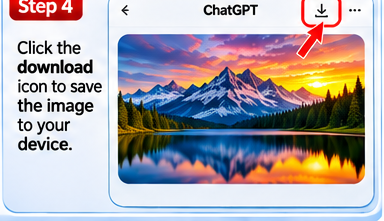
Step 4: Save your image
Use the download control on the image to save it to your device. Button locations can vary by interface.
Helpful tips
If your screen looks different, use the app or Settings search feature to find the equivalent option. Update the app or operating system if a feature is missing.
Frequently asked questions
Why does my screen look different?
Software updates and device-specific interfaces can move or rename controls.
Are these real screenshots?
No. The step images are AI-generated visual guides, not captures from a real device.