How to Use Google Gemini for Beginners — Google Gemini is an AI assistant that can help you brainstorm, summarize text, plan tasks, and explore ideas. This beginner guide explains the basics.
This guide explains how to use Google Gemini for beginners with straightforward instructions. Check the on-screen labels on your own device before proceeding.
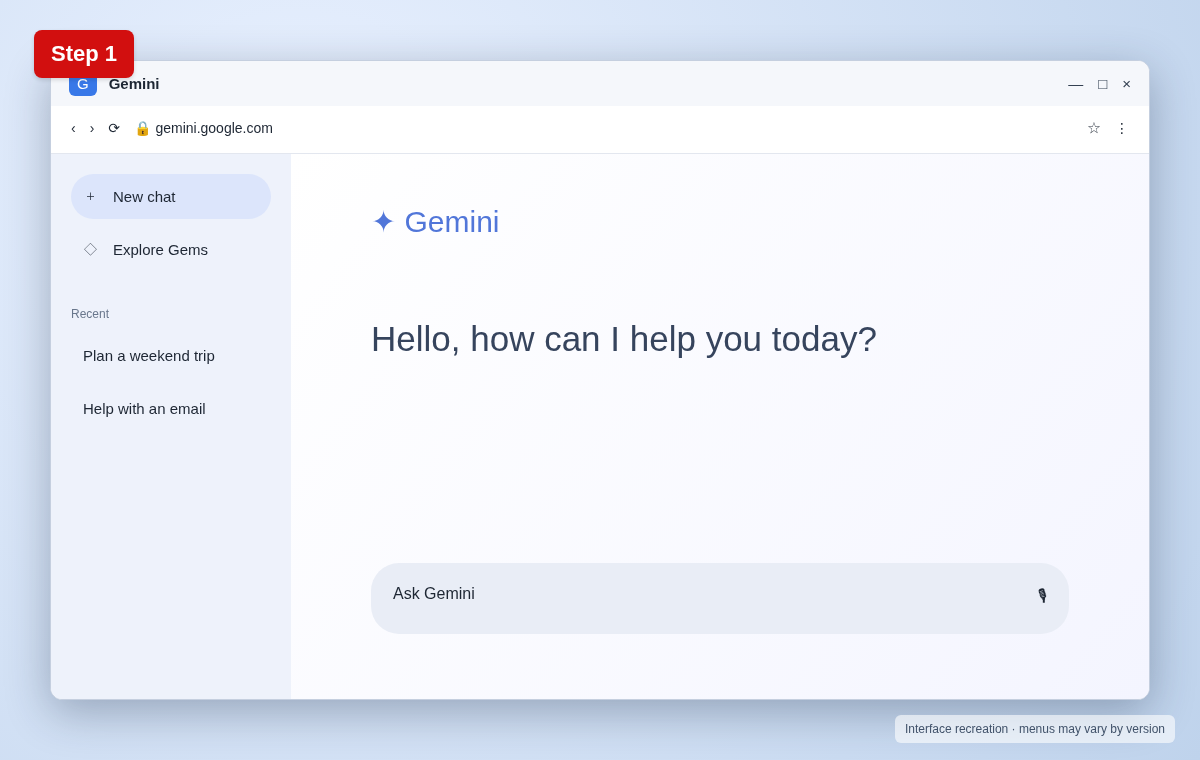
Step 1: Open Gemini
Visit gemini.google.com in your browser and sign in with your Google Account if requested.
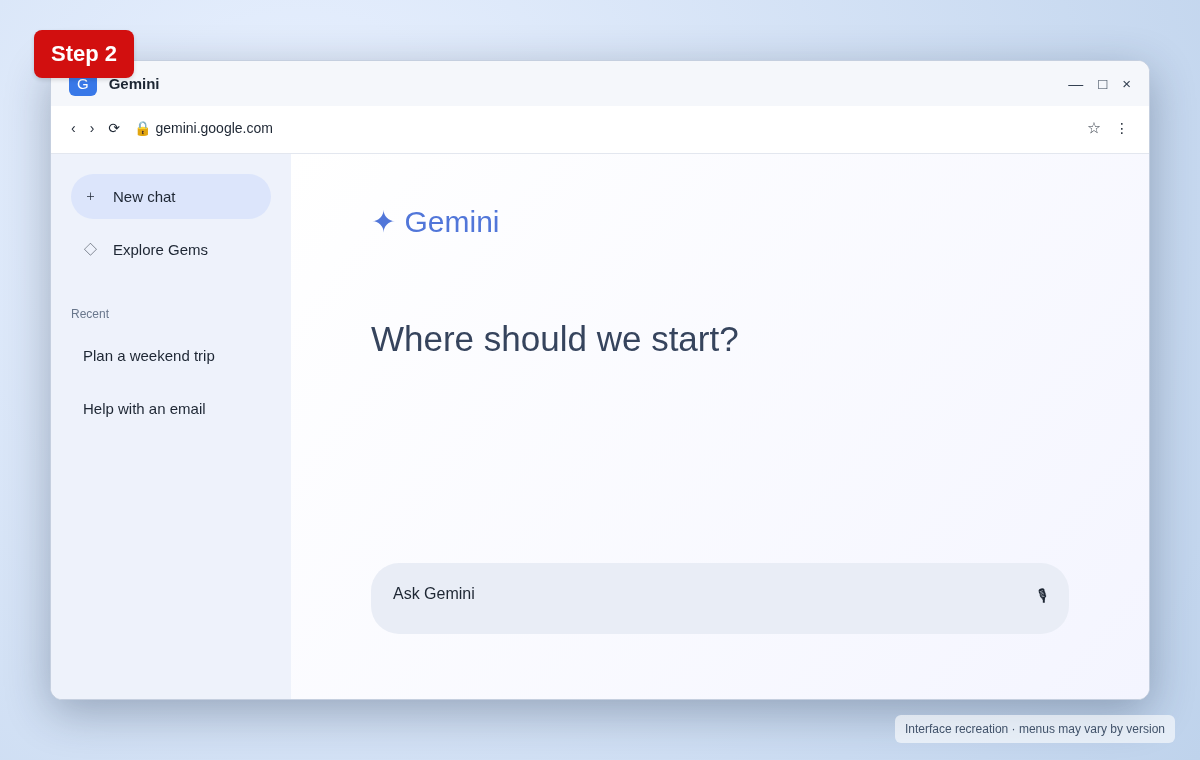
Step 2: Start a new conversation
Choose New chat to begin with a blank conversation. Interface labels may change as Google updates Gemini.
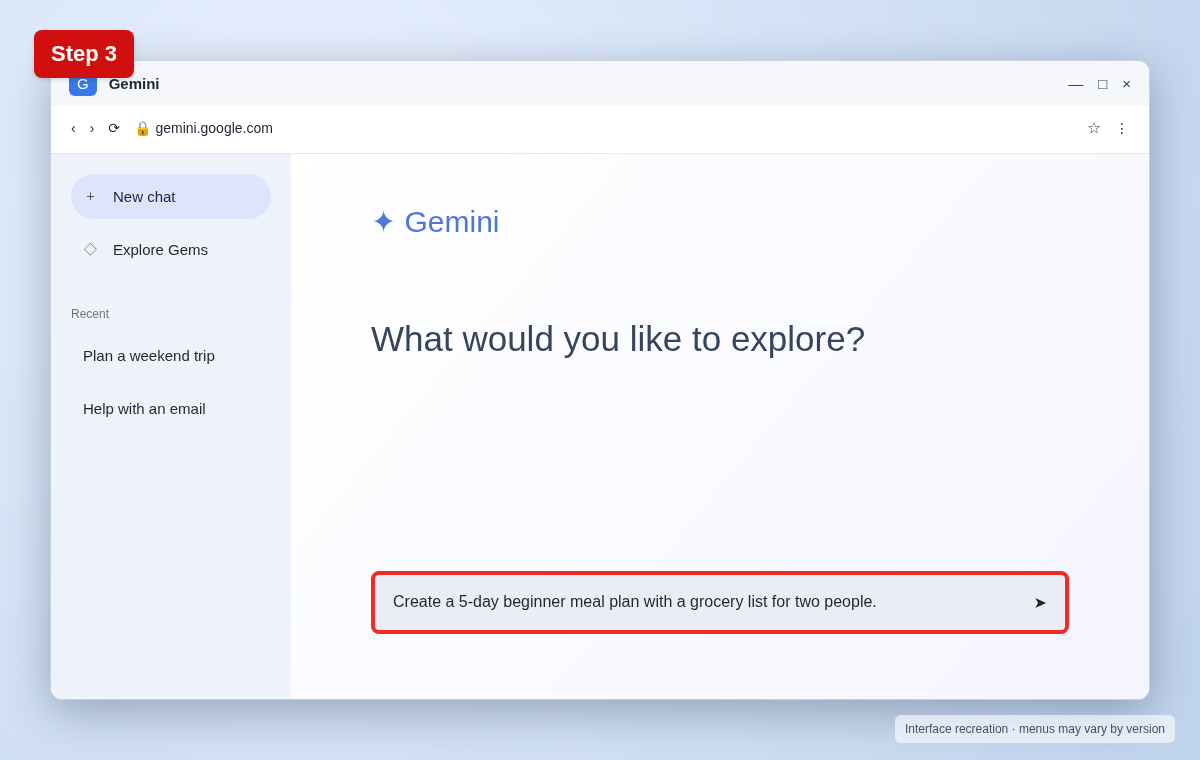
Step 3: Write a clear prompt
Describe your goal and include context. For example: “Create a 5-day beginner meal plan with a grocery list for two people.”
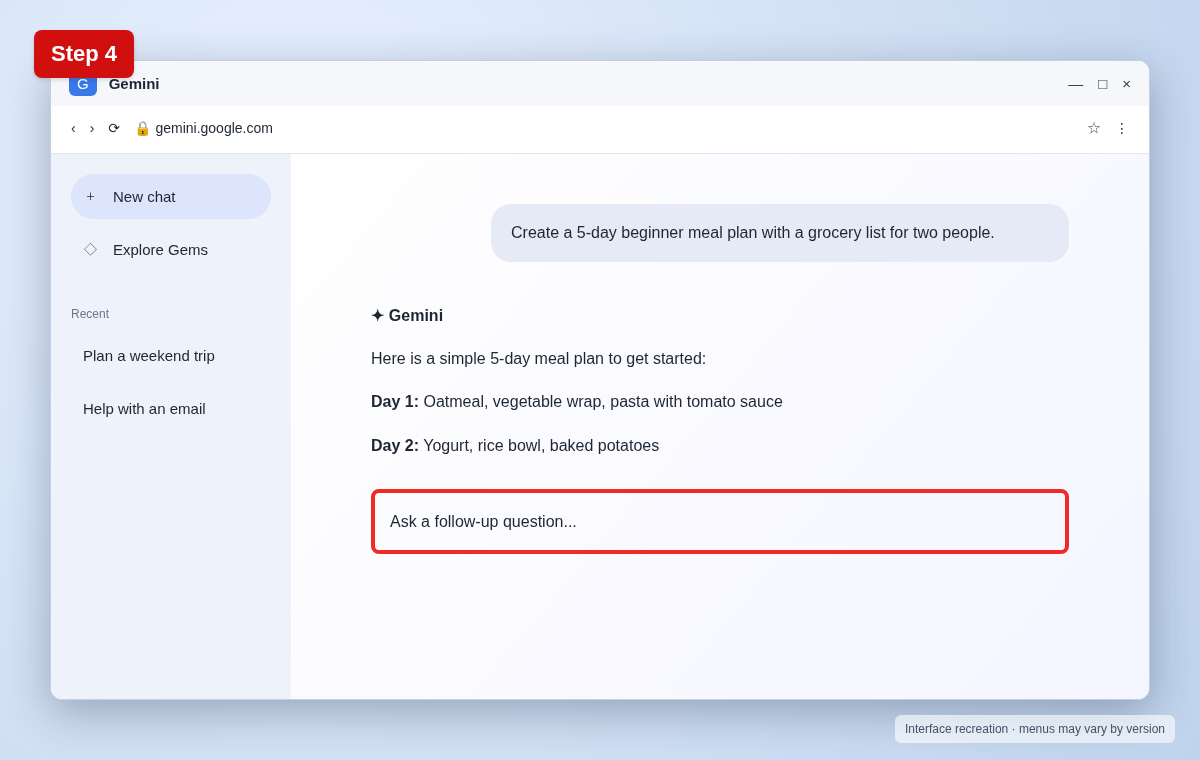
Step 4: Review and refine the response
Read the result critically. Ask follow-up questions, request a different format, and verify important facts using trustworthy sources.
Useful tips and precautions
Use official apps and device settings where possible. Before changing important settings, note your original configuration. If your device shows different labels, use its built-in Settings search or consult the manufacturer’s documentation.
Frequently asked questions
Is Google Gemini free?
Google offers a free experience, while certain models and features may require a paid plan; availability changes.
Can Gemini make mistakes?
Yes. AI-generated responses can be incorrect or outdated. Verify important details.
Should I share private data?
Avoid entering passwords, sensitive personal information, or confidential documents unless you understand the service’s privacy controls.
Final thoughts
Now you know how to use Google Gemini for beginners. If a menu looks different, check your device’s software version and look for the equivalent option rather than guessing.