How to Clear Temporary Files in Windows 11
Learn how to clear temporary files in Windows 11 with four clear steps, realistic visual examples, practical tips, and official support resources.
How to Clear Temporary Files in Windows 11 Read More »
Easy step-by-step tutorials for Windows 10 and 11. Learn how to fix problems, customize settings, and improve your PC experience.
Learn how to clear temporary files in Windows 11 with four clear steps, realistic visual examples, practical tips, and official support resources.
How to Clear Temporary Files in Windows 11 Read More »
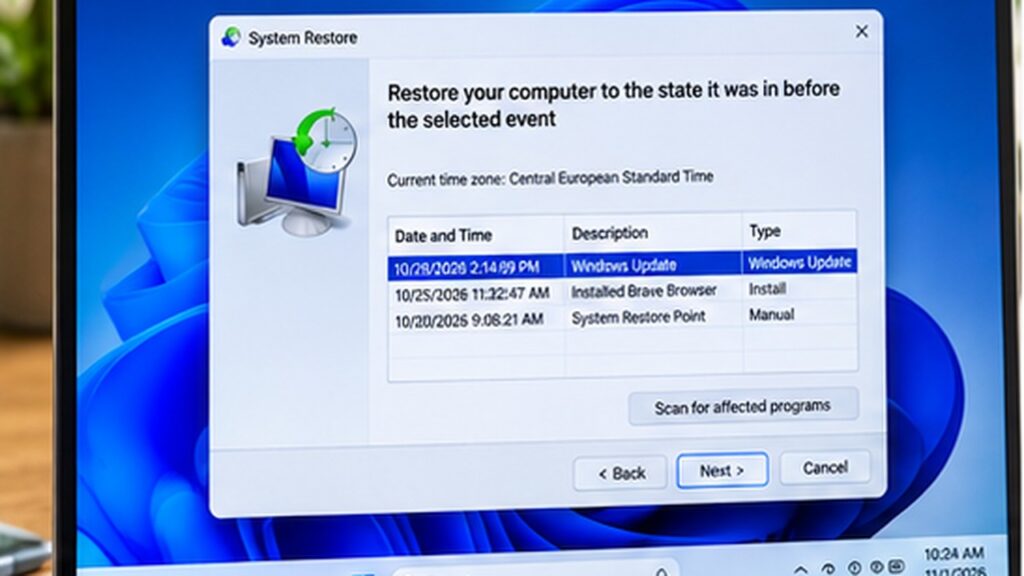
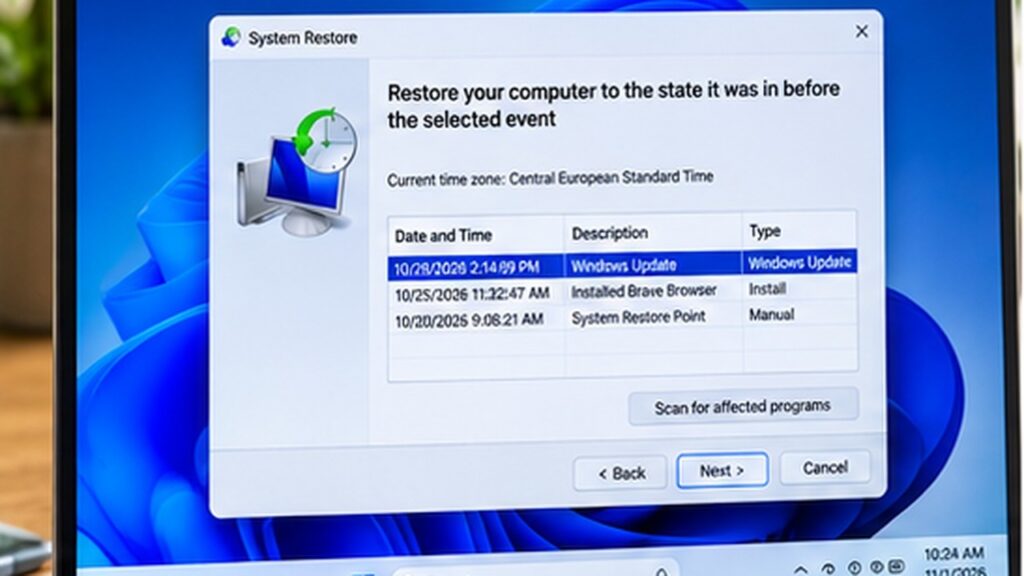
Create a restore point in Windows 11 before major changes. Learn how to enable System Protection and save a recovery point.
How to Create a Restore Point in Windows 11 Read More »
Learn how to update drivers in Windows 11 using Device Manager, Windows Update, and official manufacturer websites. Follow these safe, simple steps.
How to Update Drivers in Windows 11 (3 Safe Methods) Read More »
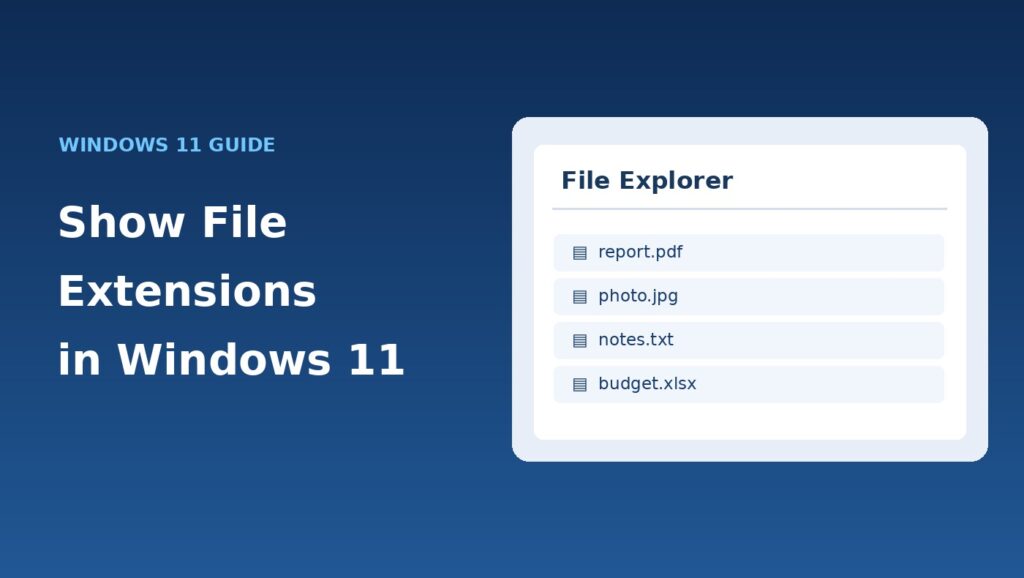
Learn how to show file extensions in Windows 11 using File Explorer. Follow four simple steps to display .jpg, .pdf, .txt, and other file types.
How to Show File Extensions in Windows 11 (Easy Guide) Read More »
Want a darker Windows 11 interface? Dark mode changes the appearance of the Start menu, taskbar, Settings and supported apps.
How to Turn On Dark Mode in Windows 11 (Step-by-Step) Read More »
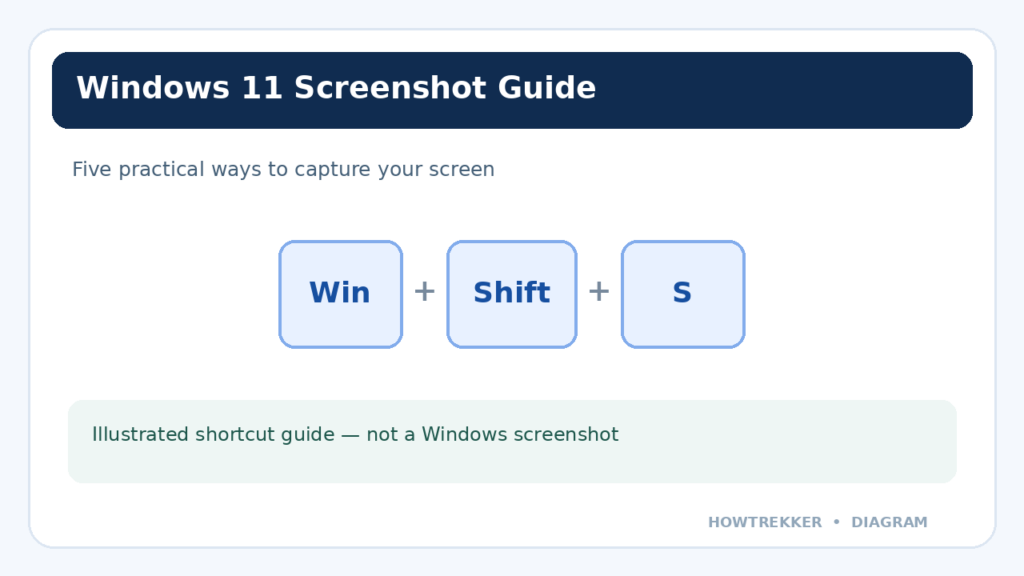
Want to capture your entire desktop, a single window, or just a small part of the screen? Windows 11 offers
How to Take a Screenshot on Windows 11: 5 Easy Methods Read More »
Learn how to clear cached images and files in Google Chrome on Windows 11 without deleting passwords, cookies, or browsing history.
How to Clear Cache in Google Chrome on Windows 11 Read More »
Is your Windows 11 PC running slower than it used to? Long startup times, sluggish apps, and background processes can
How to Speed Up Windows 11: 10 Safe Ways to Improve Performance Read More »