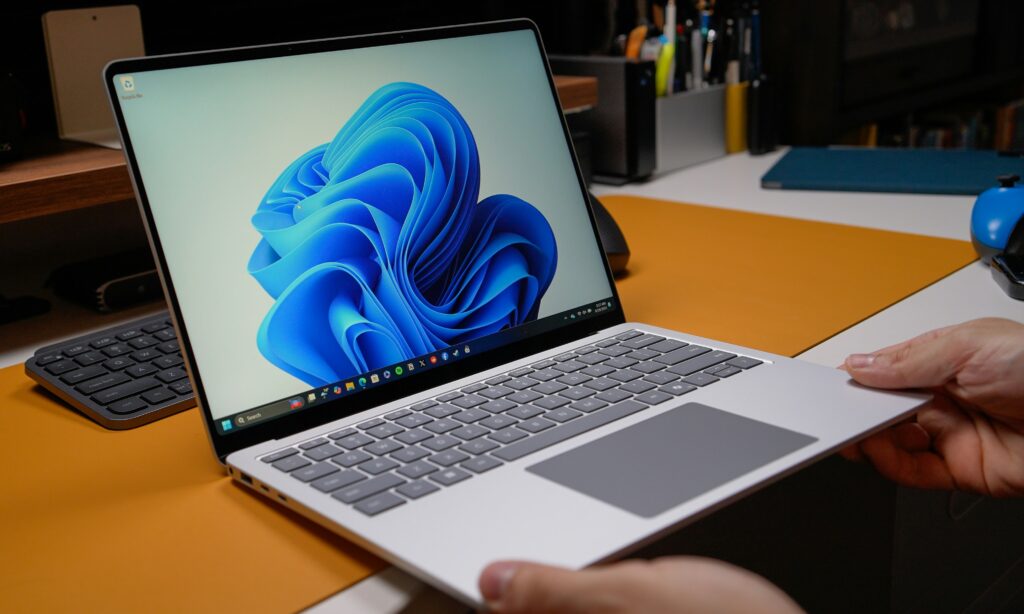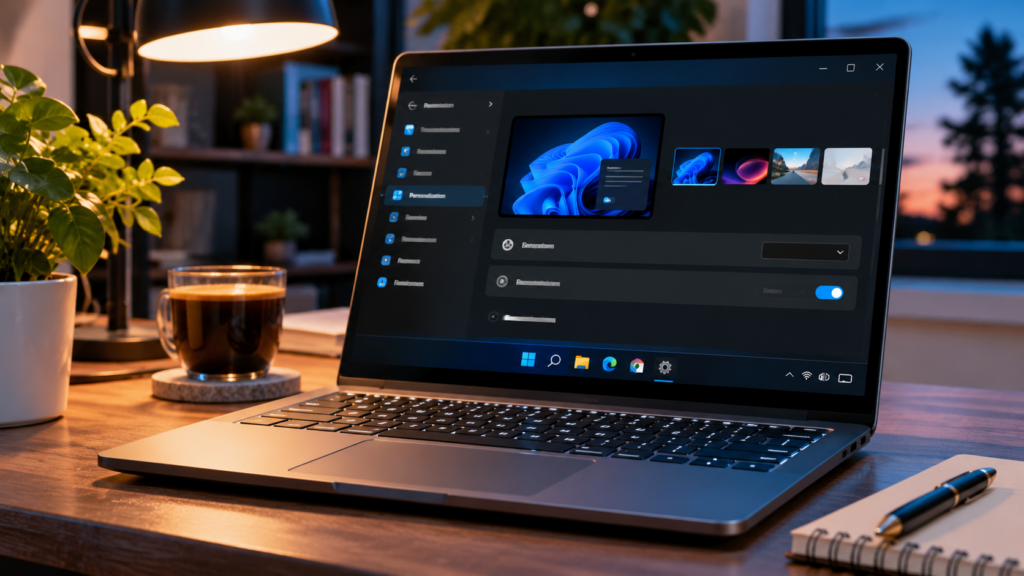
Want a darker Windows 11 interface? Dark mode changes the appearance of the Start menu, taskbar, Settings and supported apps. You can turn it on in less than a minute, without installing anything.
The visuals below are original interface reconstructions for explanation, not screenshots captured from Windows. Labels and layout may vary with Windows updates.
Step 1: Open Windows Settings
Press Windows + I to open Settings. Alternatively, select Start → Settings.
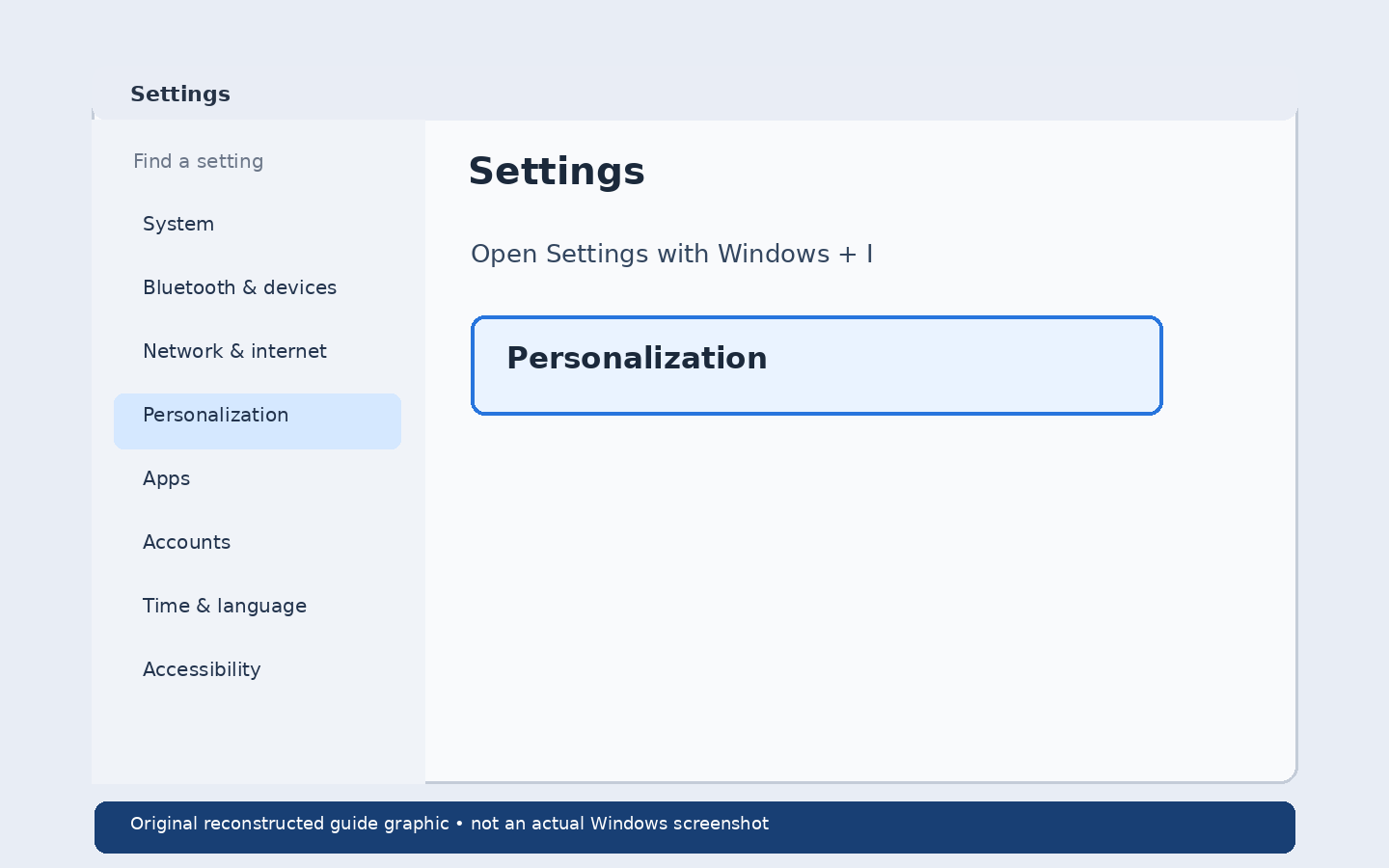
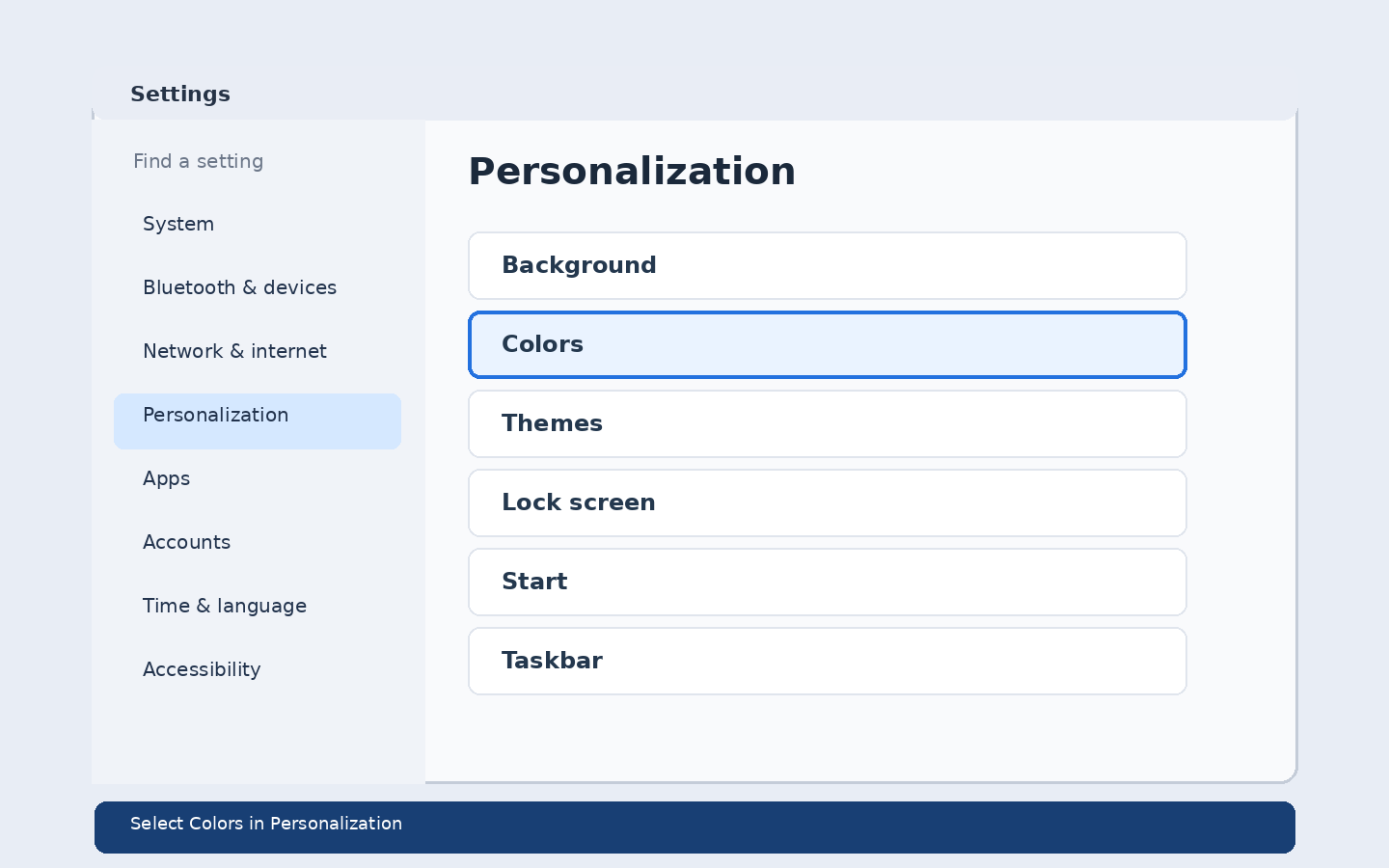
Step 2: Go to Personalization → Colors
Select Personalization in the sidebar, then choose Colors.
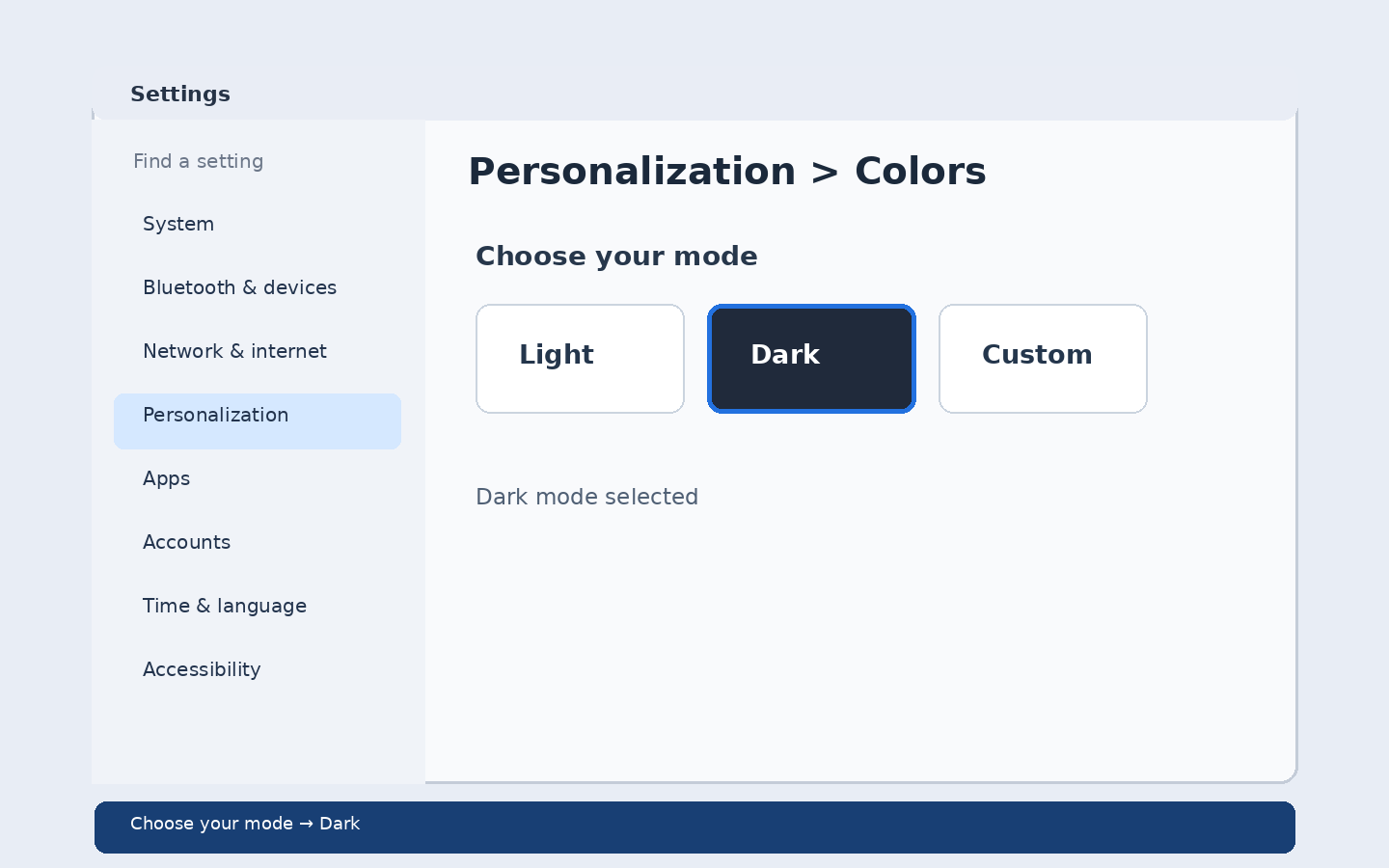
Step 3: Switch to Dark mode
Find Choose your mode and select Dark. Windows applies the change immediately.
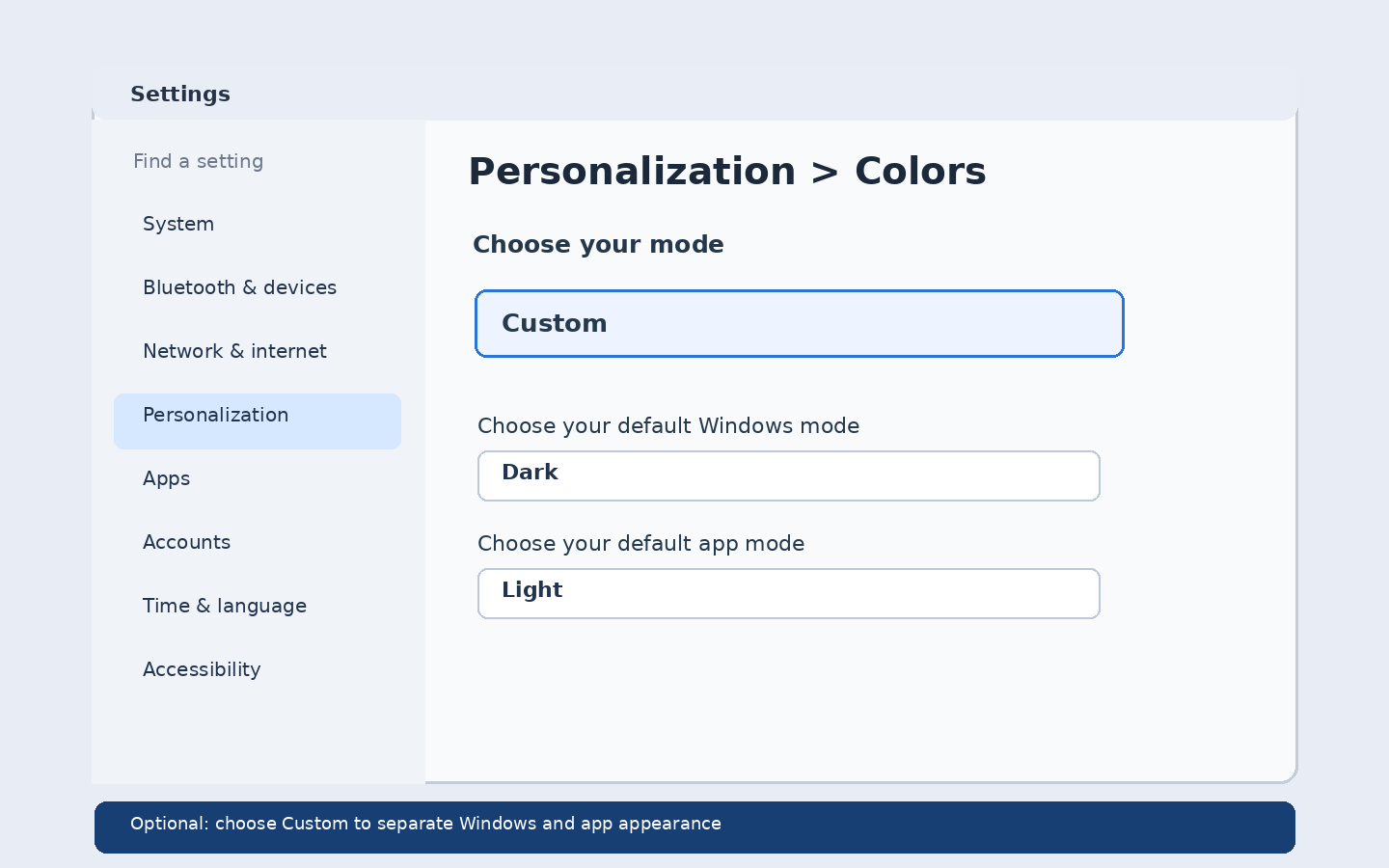
Step 4: Optional: use Custom mode
If you want Windows elements dark but supported apps light, select Custom. Set Choose your default Windows mode to Dark and Choose your default app mode to Light, or reverse them.
How to turn dark mode off
Return to Settings → Personalization → Colors → Choose your mode and select Light.
Why are some apps still light?
Not every app follows the Windows color preference. Some browsers, websites and third-party apps have their own appearance settings. Try changing the theme inside the individual app.
Does dark mode save battery?
It may reduce power use on OLED screens in some conditions, but battery savings vary by display, brightness and usage. Do not expect a guaranteed improvement on every laptop.
Frequently asked questions
Is dark mode available in Windows 11 Home?
Yes. Windows 11 Home and Pro both provide light, dark and custom color modes.
Can I keep apps light and the taskbar dark?
Yes. Choose Custom mode, then set Windows and app modes separately.
Will dark mode change my desktop wallpaper?
Changing color mode does not necessarily change your wallpaper. You can choose a different wallpaper under Personalization → Background.
Official Microsoft instructions
See Microsoft Support: Personalize your colors in Windows for the current settings.