How to Use ChatGPT for Beginners: Step-by-Step
ChatGPT can help you brainstorm, explain concepts, draft writing and analyze information. This beginner-friendly guide shows how to get useful results without treating AI answers as guaranteed facts.
Before you begin: Menu names may differ slightly by device, app version and region. Back up important data before making destructive changes.
What you will learn
- Open ChatGPT and start a conversation
- Write a clear first prompt
- Improve the answer with follow-up prompts
- Use files or images when available, then verify
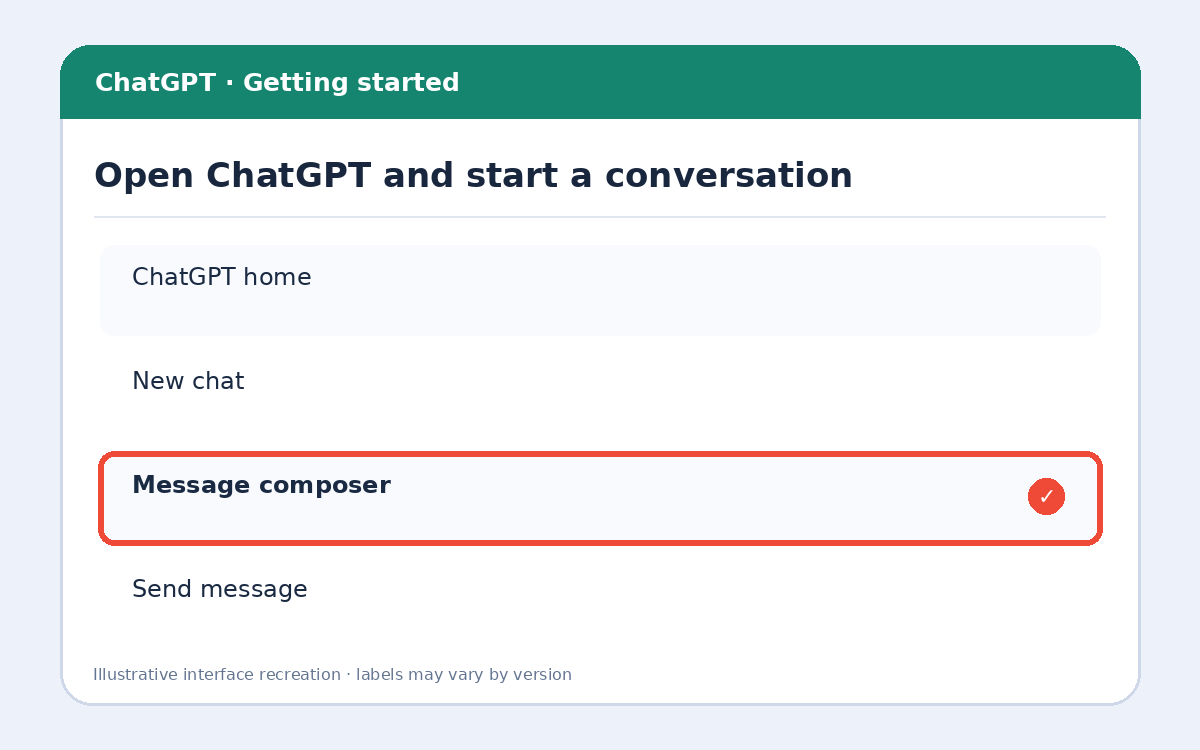
Step 1: Open ChatGPT and start a conversation
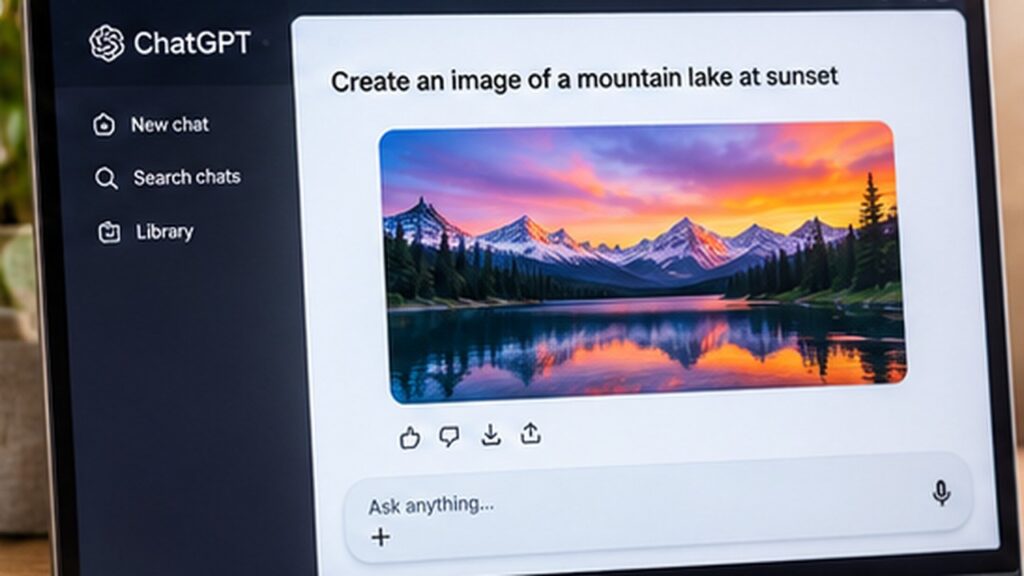
Visit chatgpt.com or open the official ChatGPT app. Sign in if prompted, then start a new chat. Available features and usage limits depend on your account and device.
Step 2: Write a clear first prompt
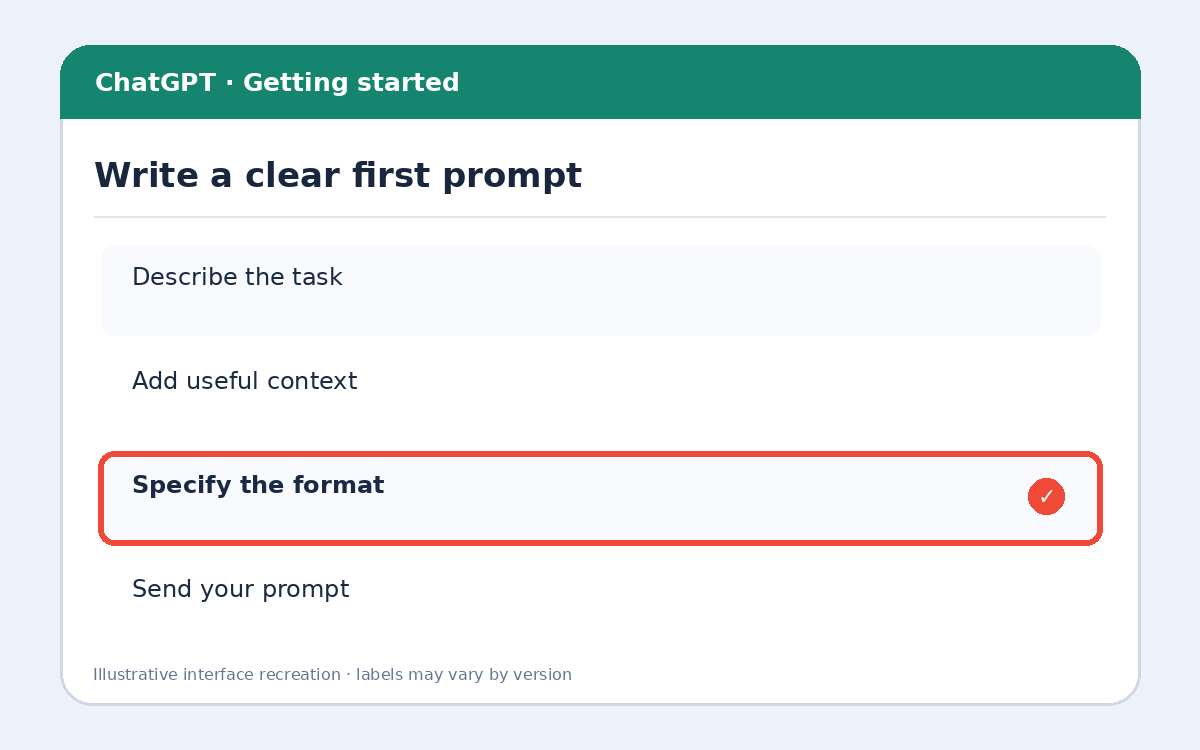
Tell ChatGPT your goal, context and desired format. For example: “Explain Wi-Fi troubleshooting to a beginner in five steps, using simple English.” Avoid entering passwords or confidential data.
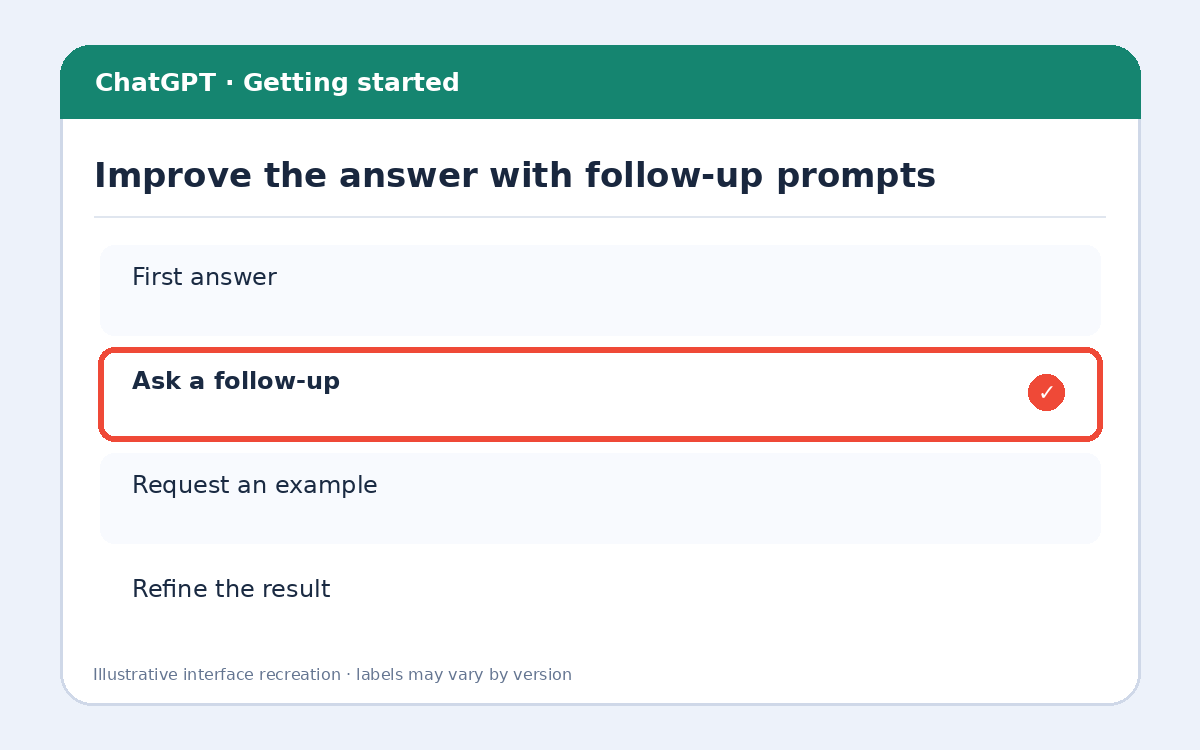
Step 3: Improve the answer with follow-up prompts
Ask follow-ups such as “Make it shorter,” “Give an example,” or “Explain step 2 in more detail.” A conversation preserves context, so you usually do not need to repeat everything.
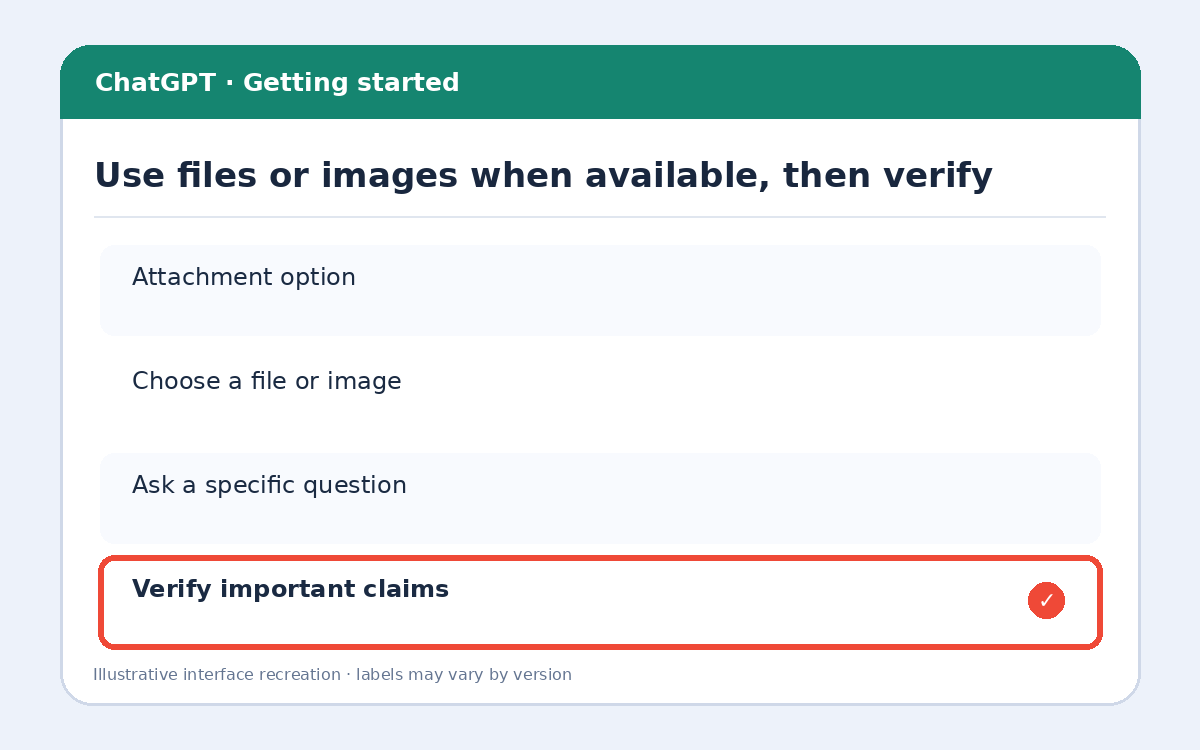
Step 4: Use files or images when available, then verify
If your interface offers attachments, upload a relevant file or image and ask a specific question. Review the response and verify important facts against reliable sources, especially for health, money and legal decisions.
Extra tips and important precautions
A useful prompt formula is: Task + Context + Constraints + Output format. Example: “Draft a friendly 120-word email asking to reschedule a meeting; keep the tone professional and include a subject line.”
Frequently asked questions
Is ChatGPT always correct?
No. It can produce convincing but inaccurate answers. Check important details.
Do I need coding skills?
No. Everyday language is enough to start.
Can ChatGPT work with images?
Many interfaces support image understanding, but exact access and limits vary by plan and device.
More useful HowTrekker tutorials
Explore our other guides on HowTrekker for practical step-by-step technology help.
Official reference
Check the official support documentation for the latest interface and policy details.