How to Delete Your Instagram Account Permanently
Deleting Instagram is different from temporarily deactivating it. This guide walks through the current Accounts Center path and explains what happens next.
Before you begin: Menu names may differ slightly by device, app version and region. Back up important data before making destructive changes.
What you will learn
- Open Instagram and go to Accounts Center
- Find account ownership and control
- Choose deletion for the correct account
- Confirm and understand the waiting period
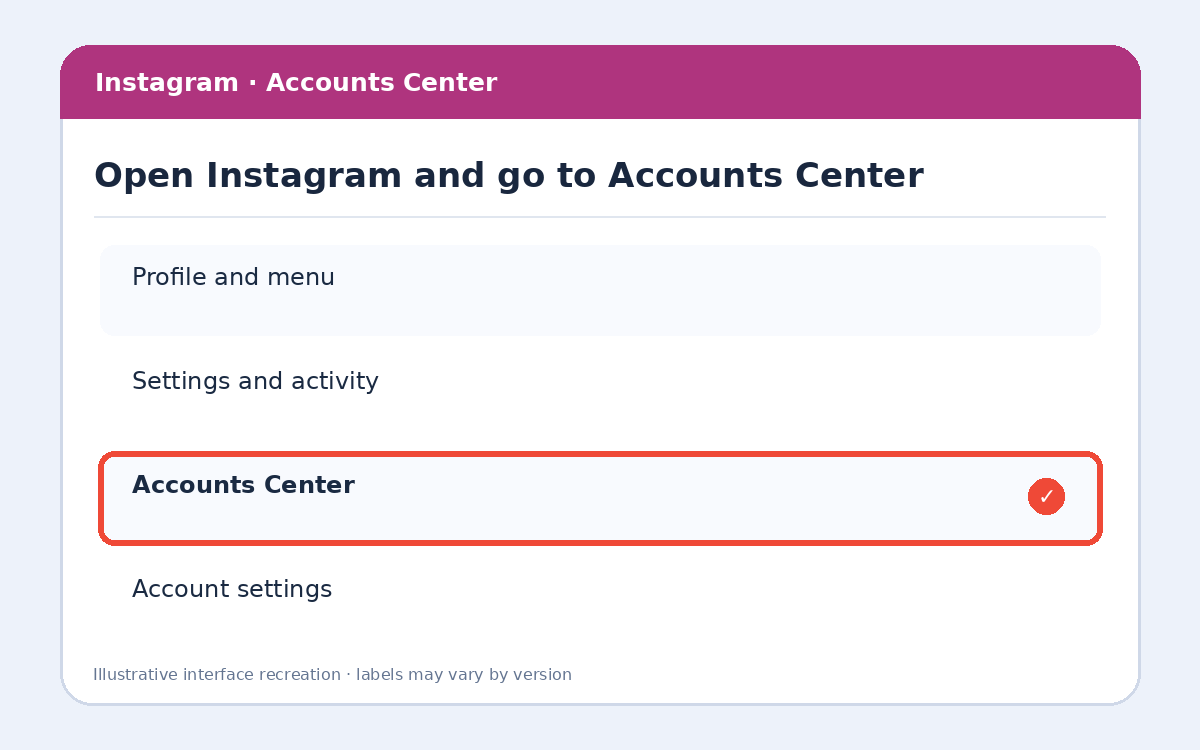
Step 1: Open Instagram and go to Accounts Center
Open Instagram, tap your profile picture, then open the menu (☰). Select Accounts Center, which may appear under Settings and activity.
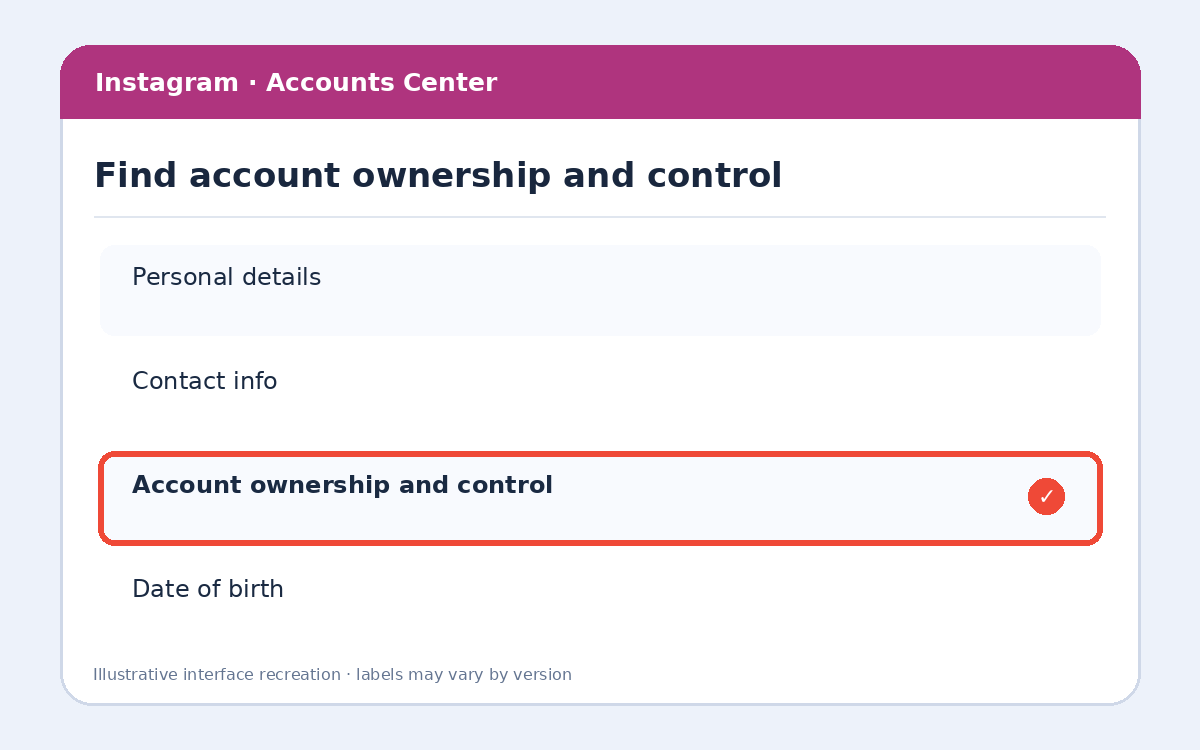
Step 2: Find account ownership and control
In Accounts Center, open Personal details, then Account ownership and control. Meta occasionally reorganizes these menus.
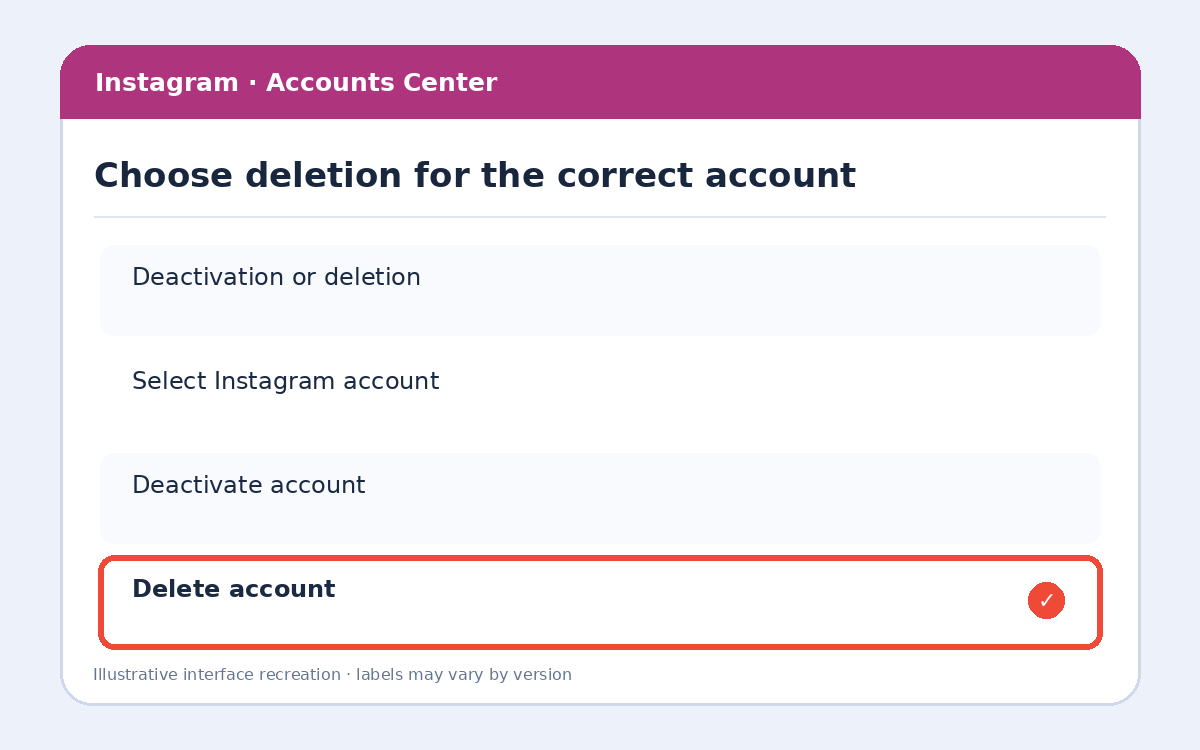
Step 3: Choose deletion for the correct account
Select Deactivation or deletion, choose the Instagram account you want to remove, then choose Delete account rather than Deactivate account.
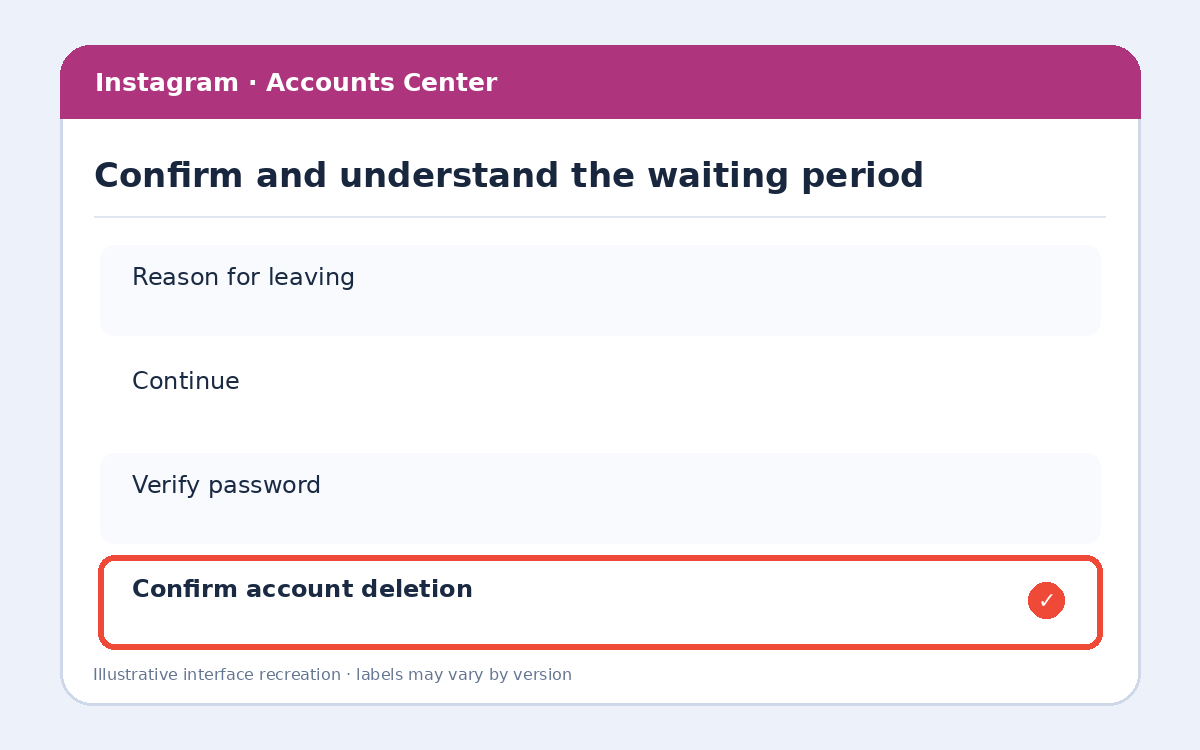
Step 4: Confirm and understand the waiting period
Follow the on-screen verification steps, enter your password if asked, and review the scheduled deletion date. Meta generally allows a cancellation window after requesting deletion; the exact date shown on screen controls.
Extra tips and important precautions
Before deleting, consider downloading your photos and messages from Accounts Center. Deactivation is reversible and hides your profile, while deletion is intended to be permanent. Do not assume the account disappears instantly.
Frequently asked questions
Can I cancel Instagram deletion?
Usually you can cancel by logging back in before the deletion deadline displayed by Instagram. Follow the date in your confirmation.
Will deleting Instagram remove my Facebook account?
No. Check the account name carefully; Accounts Center may manage multiple linked accounts.
Can I download my Instagram data first?
Yes. Look for Download your information in Accounts Center and allow time for the export.
More useful HowTrekker tutorials
Explore our other guides on HowTrekker for practical step-by-step technology help.
Official reference
Check the official support documentation for the latest interface and policy details.