How to Turn Off App Notifications on Android — Too many alerts can make your Android phone distracting. You can silence one noisy app without missing important calls or messages.
This guide explains how to turn off app notifications on Android with straightforward instructions. Check the on-screen labels on your own device before proceeding.
Step 1: Open Android Settings
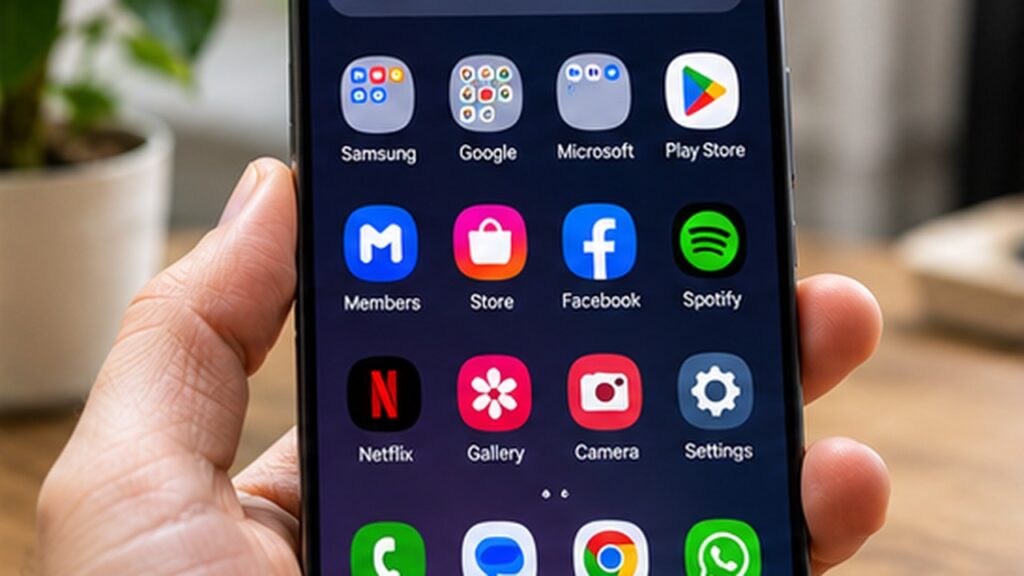
Swipe down twice and tap the gear icon, or open Settings from your app drawer. On Samsung Galaxy devices, the wording and order of options may differ.
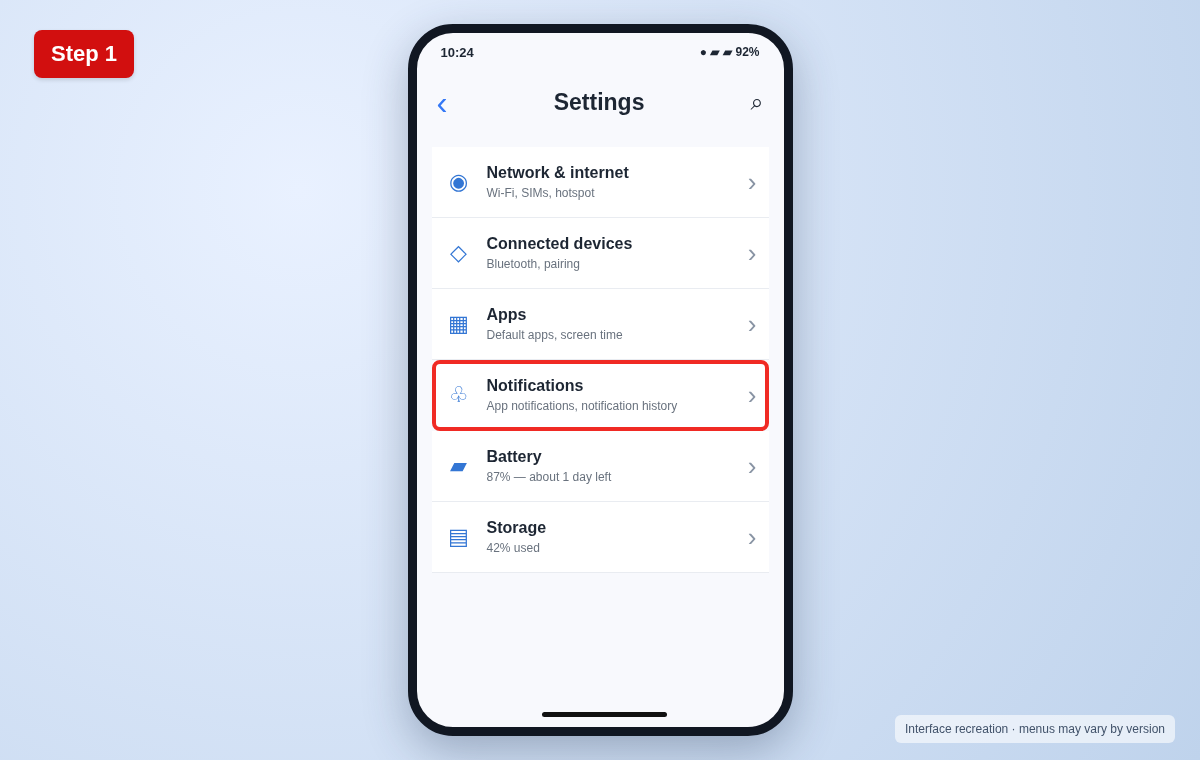
Step 2: Open Notifications
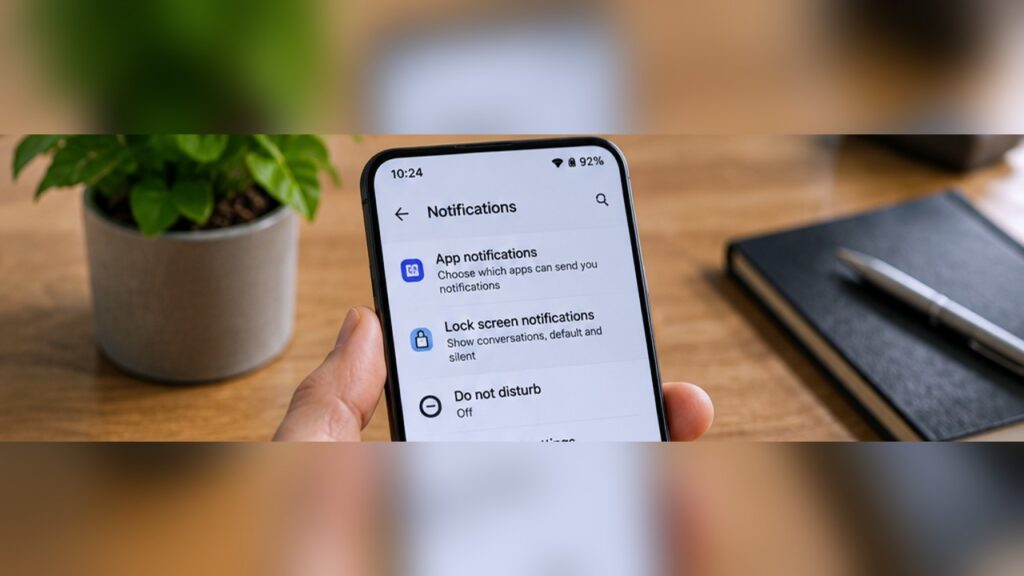
In Settings, select Notifications. On some phones, look for Apps & notifications instead.
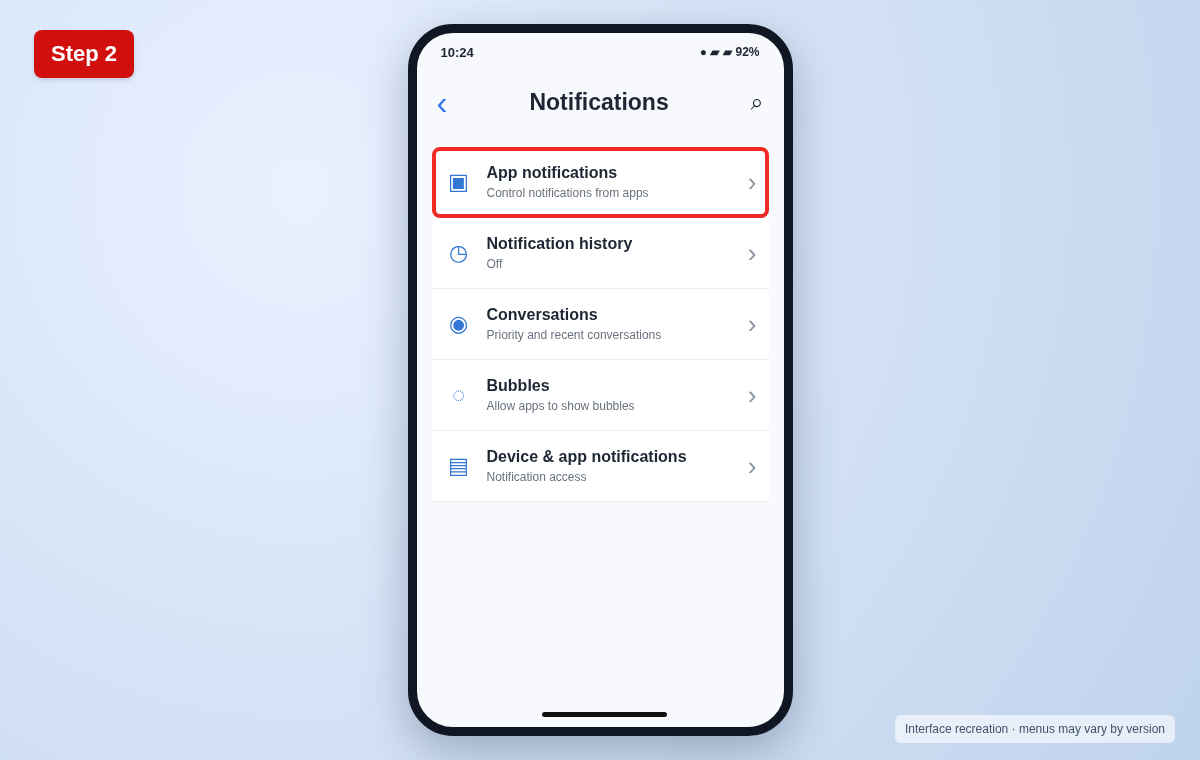
Step 3: Select App notifications
Tap App notifications or App settings to see a list of installed apps. Choose the app that sends unwanted alerts.
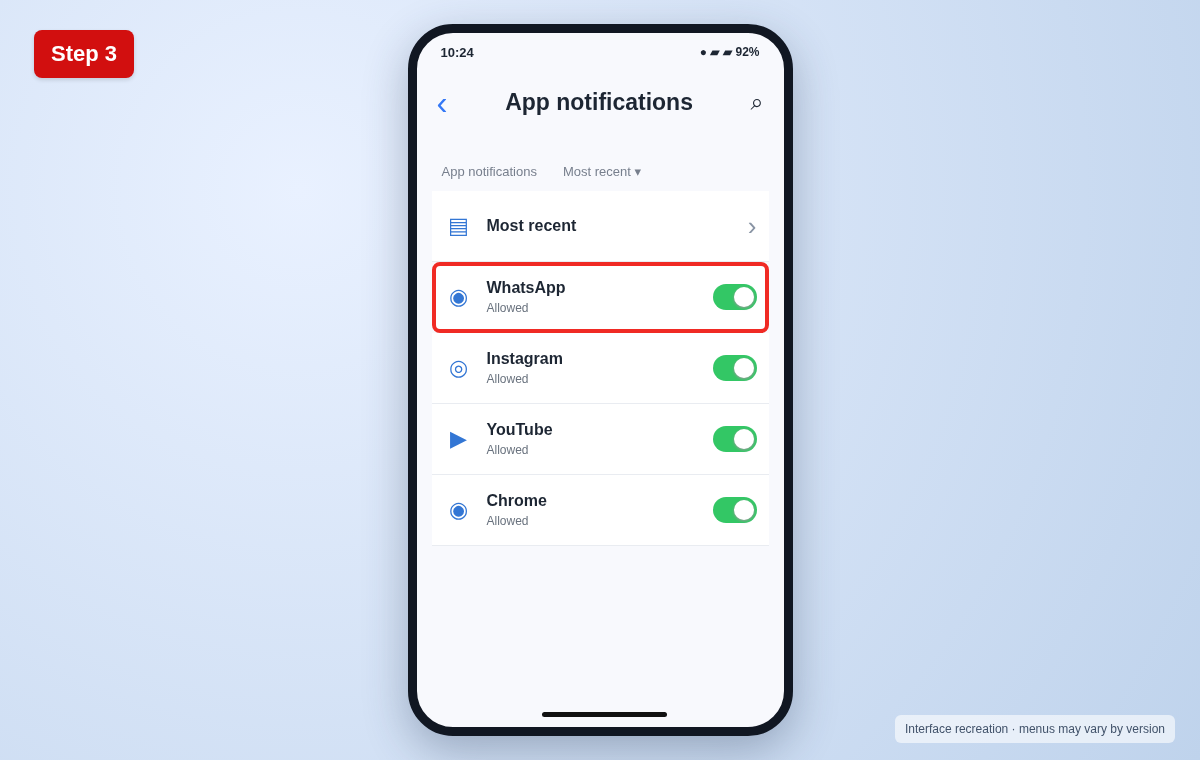
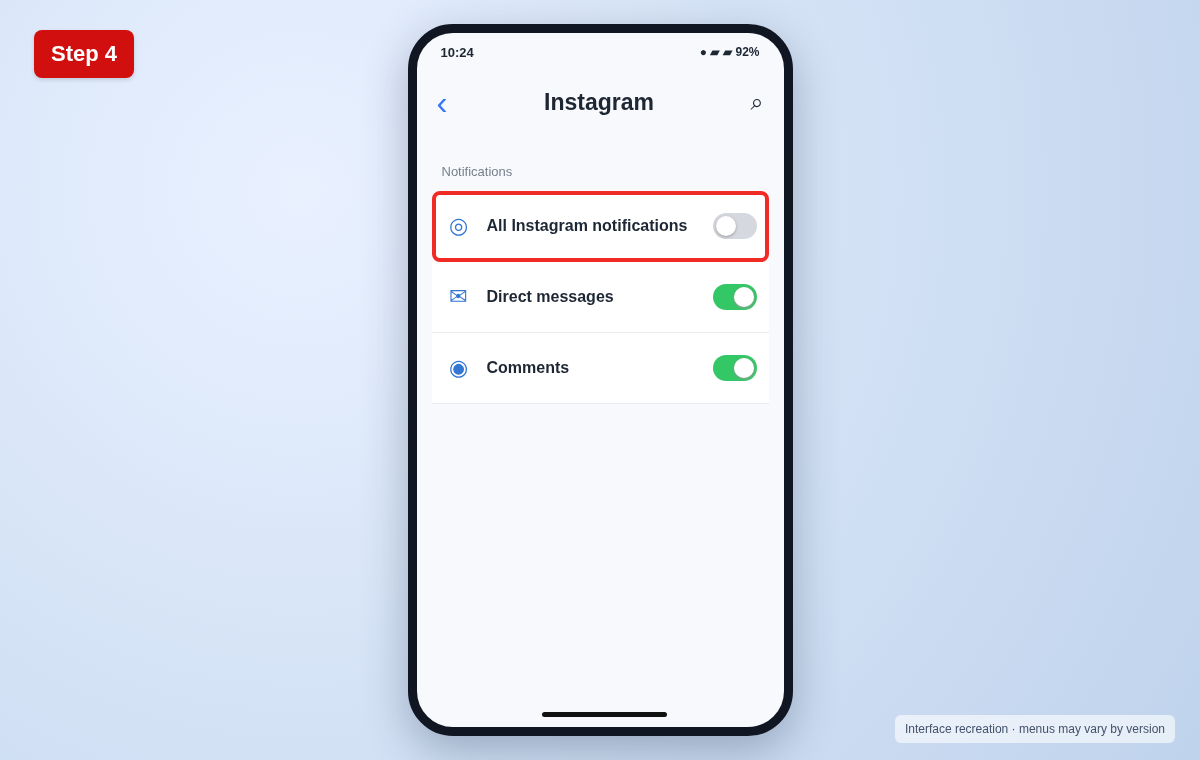
Step 4: Switch off the alerts
Turn off All notifications or the main Allow notifications switch. Alternatively, turn off individual notification categories to keep only important alerts.
Useful tips and precautions
Use official apps and device settings where possible. Before changing important settings, note your original configuration. If your device shows different labels, use its built-in Settings search or consult the manufacturer’s documentation.
Frequently asked questions
Will turning off notifications delete messages?
No. Messages and app data remain in the app; you simply stop receiving selected alerts.
Can I silence an app temporarily?
Yes. Use Do Not Disturb, or disable a specific notification category and re-enable it later.
Why do my menus look different?
Android brands and versions use different labels. Search Settings for “notifications” if you cannot find the menu.
Final thoughts
Now you know how to turn off app notifications on Android. If a menu looks different, check your device’s software version and look for the equivalent option rather than guessing.